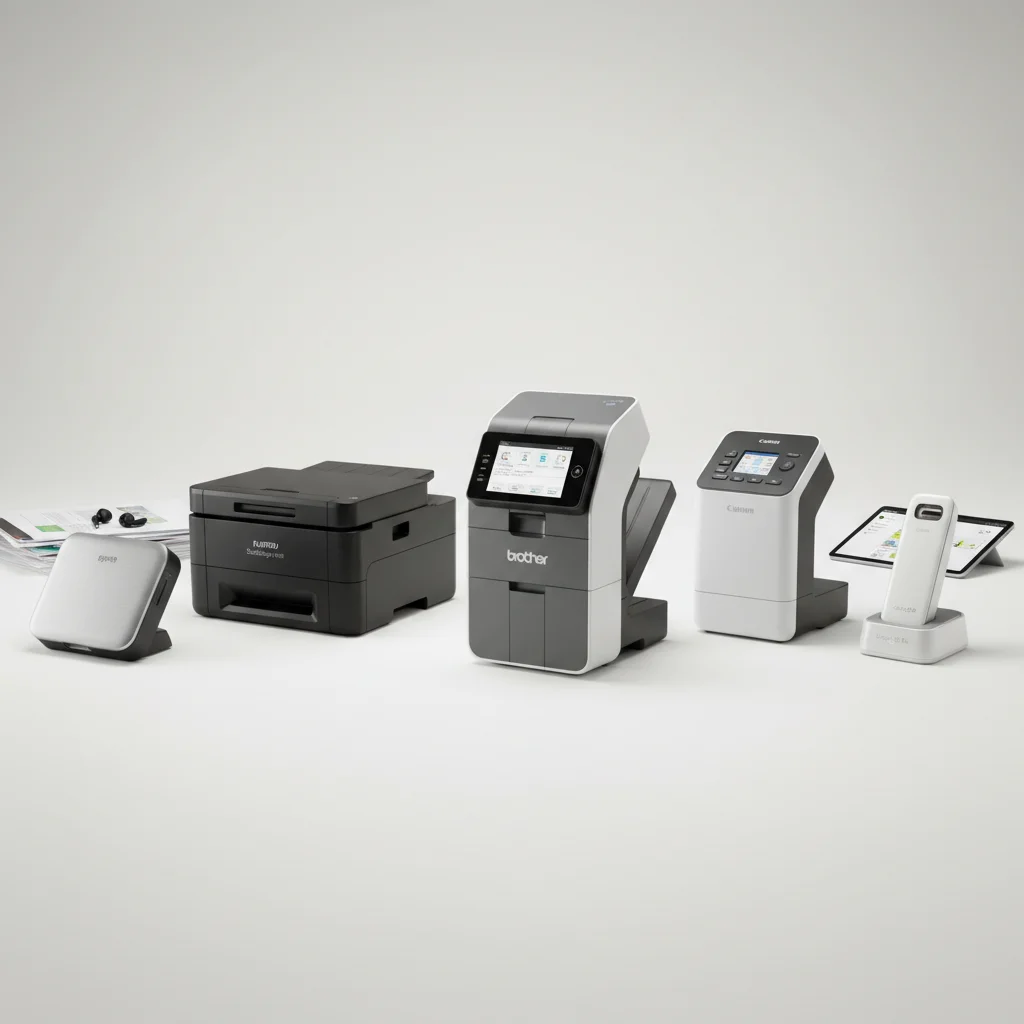
Remote project managers juggle numerous documents, from contracts and invoices to meeting notes and design specifications. Efficiently digitizing and organizing these papers is crucial for maintaining project timelines and ensuring seamless collaboration. The right document scanner can significantly streamline these tasks, offering features like high-speed scanning, excellent OCR capabilities, and robust cloud integration. This guide highlights the top 5 document scanners specifically chosen to meet the demanding needs of remote project managers.
Why Remote Project Managers Need Specialized Scanners
For remote project managers, a document scanner isn’t just a convenience; it’s a necessity. They often deal with physical documents that need to be quickly shared with team members, clients, or stakeholders located in different geographical areas. A dedicated scanner ensures that paper-based information can be converted into searchable, shareable digital files without delay. This capability is vital for maintaining project momentum, facilitating quick decision-making, and reducing the risk of lost or misplaced critical documents.
Key features that benefit remote project managers include automatic document feeders (ADF) for batch scanning, duplex scanning for capturing both sides of a page in one pass, and strong integration with project management software or cloud storage services. Portability can also be a significant advantage for those who work from various locations or need to scan documents on-site.
Key Features for Remote Project Management
When selecting a document scanner, remote project managers should prioritize several features. High scanning speeds are essential for processing large volumes of documents quickly, preventing bottlenecks in workflow. Optical Character Recognition (OCR) is another critical feature, allowing scanned documents to be converted into editable and searchable text, making it easy to find specific information within contracts or reports. Cloud connectivity ensures that scanned files can be uploaded directly to platforms like Google Drive, Dropbox, or project-specific collaboration tools, enabling instant access for all team members.
Furthermore, consider scanners with robust paper handling capabilities, including the ability to scan various document types and sizes, from business cards to legal-sized papers. Reliability and ease of use are also paramount, as complex setups or frequent malfunctions can hinder productivity rather than enhance it.
Top 5 Document Scanners for Remote Project Managers
|
Our Picks for the Best Document Scanner in 2026
As an Amazon Associate I earn from qualifying purchases.
|
||
| Num | Product | Action |
|---|---|---|
| 1 | ScanSnap iX1300 Compact Wireless or USB Double-Sided Color Document, Photo & Receipt Scanner with Auto Document Feeder and Manual Feeder for Mac or PC, White |

|
| 2 | ScanSnap iX1300 Compact Wireless or USB Double-Sided Color Document, Photo & Receipt Scanner with Auto Document Feeder and Manual Feeder for Mac or PC, Black |
|
| 3 | Epson Workforce ES-C220 Compact Desktop Document Scanner with 2-Sided Scanning and Auto Feeder (ADF) for PC as Well as Mac |
|
| 4 | Epson WorkForce ES-50 Portable Sheet-Fed Document Scanner for PC and Mac |
|
| 5 | Brother DS-640 Compact Mobile Document Scanner, (Model: DS640) 1.5"x2"x11.9" |
|
| 6 | Canon imageFORMULA R10 - Portable Document Scanner, USB Powered, Duplex Scanning, Document Feeder, Easy Setup, Convenient, Perfect for Mobile Users |
|
| 7 | Canon imageFORMULA R40 Office Document Scanner Receipt Edition, for PC and Mac, Scan & Extract Data to QuickBooks Online, Color Duplex Scanning, Auto Document Feeder, Easy Setup for Office Or Home Use |
|
| 8 | ScanSnap iX2500 Wireless or USB High-Speed Cloud Enabled Document, Photo & Receipt Scanner with Large 5" Touchscreen and 100 Page Auto Document Feeder for Mac or PC, White |
|
| 9 | Doxie Pro DX400 - Duplex Document Scanner and Receipt Scanner For Home and Office With Amazing Software for Mac and PC |
|
| 10 | ScanSnap iX2500 Wireless or USB High-Speed Cloud Enabled Document, Photo & Receipt Scanner with Large 5" Touchscreen and 100 Page Auto Document Feeder for Mac or PC, Black |
|
Here are our top picks, each offering a unique blend of features suitable for the diverse needs of remote project managers:
- Fujitsu ScanSnap iX1600: Known for its intuitive touchscreen and one-touch scanning profiles, making it incredibly user-friendly for various document types.
- Epson WorkForce ES-500W II: Offers fast scanning speeds and excellent wireless connectivity, perfect for sharing across multiple devices and users.
- Canon imageFORMULA R40: A reliable and affordable option with a strong ADF and good image processing, ideal for daily scanning tasks.
- Brother ADS-2700W: Features a large touchscreen and robust network connectivity, suitable for integrating into existing office networks.
- Raven Pro Document Scanner: Cloud-focused with unlimited cloud storage, making it a powerhouse for teams heavily reliant on cloud collaboration.
Integrating Scanners into Your Workflow
Once you’ve chosen the right scanner, integrating it seamlessly into your project management workflow is the next step. Start by creating a standardized naming convention for your digital files to ensure consistency and easy retrieval. Utilize your scanner’s software to automatically route documents to specific folders in your cloud storage or project management platform. For example, all invoices could go to a ‘Finance’ folder, while meeting minutes are directed to a ‘Project X Meetings’ folder.
Regularly back up your digital documents to prevent data loss. Many cloud services offer automatic syncing, which is a convenient way to ensure your files are always secure and accessible. Training your team on these processes will also ensure everyone is on the same page, maximizing efficiency and reducing errors.
Maximizing Efficiency with Your New Scanner
To truly maximize the efficiency gained from your new document scanner, consider implementing a ‘scan-first’ policy for all incoming physical documents. This means that as soon as a paper document arrives, it is scanned, digitized, and then either filed physically (if necessary) or shredded. This approach minimizes the accumulation of paper and ensures that all critical information is immediately available in its digital format.
Explore advanced features like automatic blank page removal, deskewing, and color detection, which can further improve the quality and organization of your scanned documents. Many scanners also offer the ability to create custom profiles for different types of documents, allowing you to optimize settings for contracts, receipts, or photos with a single click.
Get our weekly buyer guide
Practical specs, not advice. Unsubscribe anytime.
