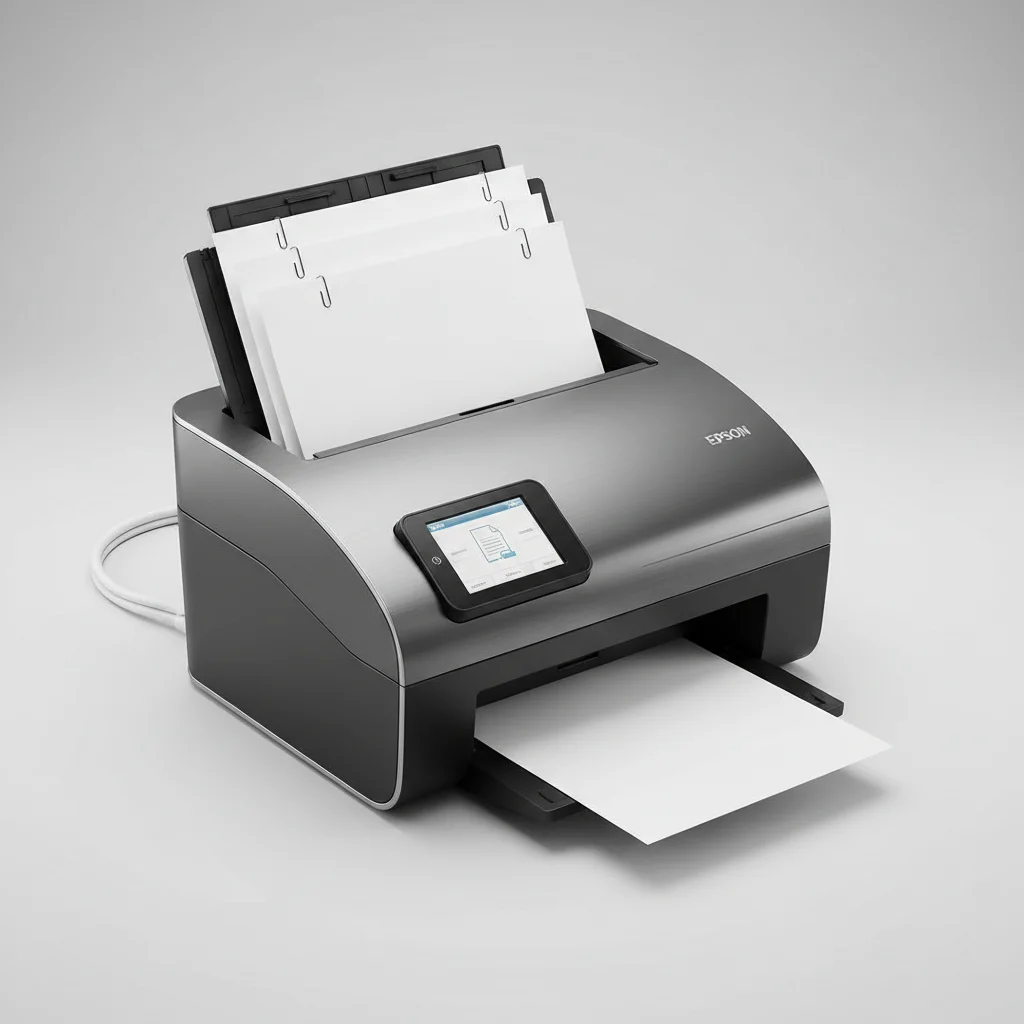
The Epson WorkForce ES-865 is the best Epson document scanner for legal professionals, offering high-speed scanning at 65 pages per minute (ppm) and robust document handling. Legal practices require scanners that can efficiently process large volumes of sensitive documents, ensuring accuracy and security. This guide details top Epson models and how they meet the specific demands of the legal field.
Quick Comparison
| Model | Scanning Speed (ppm) | ADF Capacity | Daily Duty Cycle | Key Feature for Legal |
|---|---|---|---|---|
| Epson WorkForce ES-865 | 65 | 100 sheets | 7,000 pages | Advanced paper protection |
| Epson WorkForce ES-500W II | 35 | 50 sheets | 4,000 pages | Wireless connectivity |
| Epson WorkForce ES-C380W | 30 | 20 sheets | 1,500 pages | Compact design, versatile scanning |
What Legal Professionals Need from a Document Scanner
Legal professionals require document scanners that prioritize speed, accuracy, and reliability. High-volume scanning capabilities are crucial for processing case files, contracts, and evidence efficiently. Scanners must handle various document types, including fragile papers, thick documents, and plastic cards, without damage. Optical Character Recognition (OCR) is essential for converting scanned documents into searchable and editable text, streamlining document management and e-discovery processes. Security features, such as password protection and secure network scanning, are vital for protecting confidential client information. Integration with existing legal software and document management systems is also a key consideration, ensuring a seamless workflow. Durability and a high daily duty cycle are important for sustained performance in demanding legal environments. Automated features like blank page detection, auto-rotation, and de-skewing save time and improve scan quality, reducing manual intervention. The ability to scan directly to cloud services or secure network folders enhances accessibility and collaboration among legal teams. For shop curated document scanners on this site.
Detailed Reviews
Epson WorkForce ES-865
The Epson WorkForce ES-865 is engineered for high-volume legal environments. It scans at an impressive 65 pages per minute (ppm) and features a 100-sheet Automatic Document Feeder (ADF). This model boasts a daily duty cycle of 7,000 pages, making it suitable for busy law firms. Its advanced paper protection technology prevents misfeeds and damage to critical legal documents. The ES-865 offers robust OCR capabilities, converting scanned files into searchable PDFs and other editable formats, which is invaluable for e-discovery. Connectivity options include USB 3.0, ensuring fast data transfer. The scanner supports various document sizes, from small receipts to legal-sized documents. Its intuitive software simplifies document organization and integration with existing legal platforms. The ES-865 provides reliable performance for demanding legal workflows.
Epson WorkForce ES-500W II
The Epson WorkForce ES-500W II offers a balance of speed and convenience for legal professionals. It scans at 35 ppm and includes a 50-sheet ADF, suitable for medium-volume scanning tasks. A key feature is its wireless connectivity, allowing flexible placement and shared use within a legal office without physical cables. The daily duty cycle is 4,000 pages. This scanner includes powerful OCR software for creating searchable and editable documents, enhancing productivity. It handles a variety of document types, including plastic cards and folded pages. The ES-500W II supports scanning directly to cloud services like Dropbox and SharePoint, facilitating secure document sharing and collaboration. Its compact design makes it ideal for smaller legal offices or individual attorneys needing efficient scanning capabilities.
Epson WorkForce ES-C380W
The Epson WorkForce ES-C380W is a compact and versatile scanner designed for legal professionals with limited space or specific scanning needs. It scans at 30 ppm and features a 20-sheet ADF. Its unique C-shaped paper path allows for a smaller footprint while still handling various document types, including passports and thick cards. The daily duty cycle is 1,500 pages. This model offers wireless connectivity, providing flexibility in office setup. It includes robust OCR software for converting documents into searchable text, which is beneficial for case management. The ES-C380W is ideal for scanning smaller batches of documents, client IDs, and other critical legal paperwork. Its ease of use and reliable performance make it a valuable asset for individual practitioners or small legal teams.
Routine Fit
Integrating an Epson document scanner into a legal professional’s routine significantly enhances efficiency. For daily tasks, a high-speed scanner like the ES-865 can quickly digitize incoming mail, client intake forms, and court documents, reducing physical clutter. During case preparation, the ability to rapidly scan and OCR discovery documents allows legal teams to search and analyze vast amounts of information more effectively. For client meetings, a compact scanner like the ES-C380W can digitize identification and signed agreements on the spot, ensuring immediate record-keeping. Wireless models such as the ES-500W II facilitate flexible office layouts and shared access among team members, improving collaboration. These scanners streamline document archiving, making it easier to comply with retention policies and retrieve information when needed. The robust paper handling capabilities ensure that even fragile or unusual documents are processed safely, maintaining document integrity throughout their lifecycle.
FAQs
What is the importance of OCR for legal documents?
OCR (Optical Character Recognition) is crucial for legal documents because it converts scanned images into searchable and editable text. This functionality allows legal professionals to quickly locate specific keywords, phrases, or clauses within large volumes of documents, which is essential for e-discovery, case research, and contract review. Without OCR, scanned documents are merely images, making it impossible to perform text-based searches. This capability significantly reduces the time spent on manual document review and improves the accuracy of information retrieval, directly impacting the efficiency and effectiveness of legal work.
Can Epson scanners integrate with legal document management systems?
Yes, many Epson document scanners are designed to integrate seamlessly with various legal document management systems (DMS). They often come with TWAIN and ISIS drivers, which are industry standards for scanner communication, ensuring compatibility with most DMS platforms. Additionally, Epson’s included software often provides options to scan directly to network folders, cloud services (like Dropbox, SharePoint), or specific applications, which can then be linked to a DMS. This integration streamlines the workflow, allowing legal professionals to digitize documents and immediately file them within their existing organizational structure, maintaining a centralized and accessible repository of information.
What features ensure document security when scanning sensitive legal information?
Ensuring document security when scanning sensitive legal information involves several features. Many Epson scanners offer secure network scanning capabilities, allowing documents to be sent directly to password-protected network folders or encrypted cloud services. Some models include features like user authentication, requiring credentials before scanning can commence. The ability to create password-protected PDFs directly from the scanner adds another layer of security. Furthermore, using secure Wi-Fi networks for wireless scanners (like the ES-500W II) is essential. It is also important to ensure that the scanner’s internal memory is cleared after each use, or that the device does not retain copies of sensitive documents, to prevent unauthorized access.
How do Epson scanners handle different types of legal documents?
Epson scanners are designed to handle a wide variety of legal documents, from standard letter and legal-sized papers to more unusual formats. Features like advanced paper protection and ultrasonic double-feed detection prevent misfeeds and damage to fragile or delicate documents, such as old contracts or evidence. Many models can scan thick documents, plastic ID cards, and even passports, which is useful for client intake. The versatile paper paths, including C-shaped and straight-through options, accommodate different document thicknesses and conditions. This flexibility ensures that all types of legal paperwork can be digitized efficiently and safely, maintaining their integrity.
What is a daily duty cycle and why is it important for legal offices?
The daily duty cycle refers to the maximum number of pages a scanner is recommended to process per day without experiencing premature wear or performance issues. For legal offices, a high daily duty cycle is critically important because they often deal with large volumes of documents. A scanner with a low duty cycle would quickly break down under the demands of a busy law firm, leading to downtime and increased costs. Choosing a scanner like the Epson WorkForce ES-865 with a 7,000-page daily duty cycle ensures that the device can consistently meet the high-volume scanning needs of a legal practice, providing reliability and longevity.
Verdict
For legal professionals, the Epson WorkForce ES-865 stands out as the premier choice among Epson document scanners. Its exceptional scanning speed, high daily duty cycle, and advanced paper handling capabilities are perfectly aligned with the rigorous demands of legal practices. While the ES-500W II offers excellent wireless flexibility and the ES-C380W provides compact versatility, the ES-865’s robust performance and superior document protection make it indispensable for high-volume, mission-critical legal document processing. Investing in the ES-865 ensures efficiency, accuracy, and reliability, ultimately enhancing productivity and document security within any legal environment.
Frequently Asked Questions
What is the importance of OCR for legal documents?
OCR (Optical Character Recognition) is crucial for legal documents because it converts scanned images into searchable and editable text. This functionality allows legal professionals to quickly locate specific keywords, phrases, or clauses within large volumes of documents, which is essential for e-discovery and case research. Without OCR, scanned documents are merely images, making it impossible to perform text-based searches.
Can Epson scanners integrate with legal document management systems?
Yes, many Epson document scanners are designed to integrate seamlessly with various legal document management systems (DMS). They often come with TWAIN and ISIS drivers, which are industry standards for scanner communication, ensuring compatibility with most DMS platforms. Epson's software also provides options to scan directly to network folders or cloud services like Dropbox and SharePoint.
What features ensure document security when scanning sensitive legal information?
Ensuring document security when scanning sensitive legal information involves several features. Many Epson scanners offer secure network scanning capabilities, allowing documents to be sent directly to password-protected network folders or encrypted cloud services. Some models include user authentication and the ability to create password-protected PDFs directly from the scanner. Secure Wi-Fi networks are also essential for wireless scanners like the ES-500W II.
How do Epson scanners handle different types of legal documents?
Epson scanners are designed to handle a wide variety of legal documents, from standard letter and legal-sized papers to more unusual formats. Features like advanced paper protection and ultrasonic double-feed detection prevent misfeeds and damage to fragile documents. Many models can scan thick documents, plastic ID cards, and even passports, utilizing versatile paper paths including C-shaped and straight-through options.
What is a daily duty cycle and why is it important for legal offices?
The daily duty cycle refers to the maximum number of pages a scanner is recommended to process per day without experiencing premature wear. For legal offices, a high daily duty cycle is critically important because they often deal with large volumes of documents. A scanner like the Epson WorkForce ES-865 with a 7,000-page daily duty cycle ensures the device can consistently meet the high-volume scanning needs of a legal practice, providing reliability and longevity.
Get our weekly buyer guide
Practical specs, not advice. Unsubscribe anytime.

I picked up the Epson WorkForce ES-C380W for its compact design, thinking it would be perfect for my limited desk space. While it does fit well and the scan quality is good, the 30 ppm speed feels a bit slow when I have a stack of client files to get through. It’s fine for occasional use, but I might need something faster if my scanning volume increases significantly. Still, it’s reliable for what it is.
As someone who deals with high volumes of sensitive documents daily, the daily duty cycle of 7,000 pages on the ES-865 is exactly what I needed. This scanner just keeps going without any hiccups. It’s incredibly reliable and has significantly streamlined our document management process. I can’t imagine going back to anything less robust.
The Epson WorkForce ES-500W II has been a solid performer for my home office setup. The wireless connectivity is super convenient, letting me scan from different devices without a hitch. My only minor complaint is that the 50-sheet ADF capacity sometimes means I have to reload for really big batches, but for daily use, it’s perfectly adequate. It handles everything I throw at it with good accuracy.
I finally upgraded to the Epson WorkForce ES-865 after struggling with an older model, and it’s been a game-changer for my small law firm. The 65 ppm speed is no joke; we’re flying through discovery documents now. The advanced paper protection feature is also a huge relief, especially with some of the fragile older papers we have to scan. Definitely worth the investment for any legal professional.