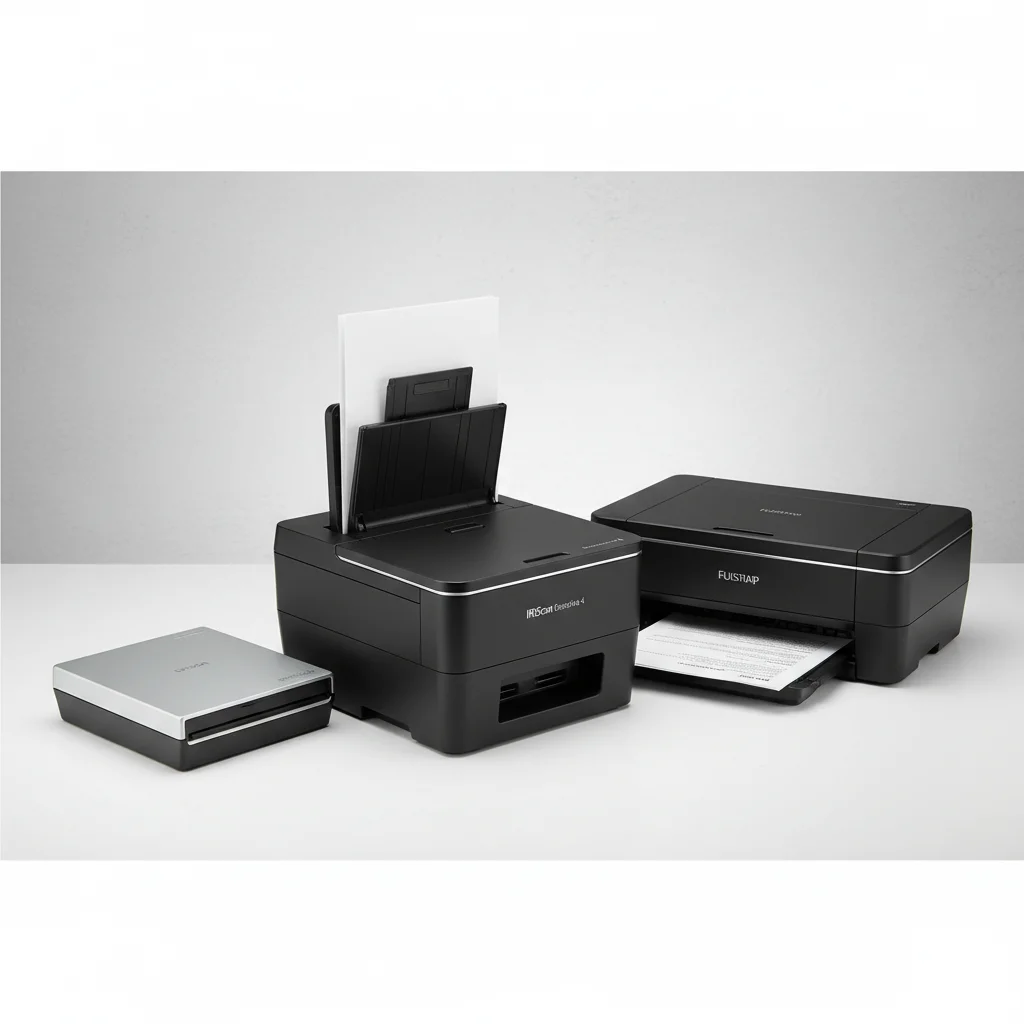
Remote executive assistants require reliable document scanners to manage a high volume of administrative tasks efficiently. The best document scanners for this role offer a combination of speed, accuracy, and user-friendly features, ensuring seamless digitization of contracts, reports, and other critical documents. Our top recommendation for remote executive assistants is the Fujitsu ScanSnap iX1600, known for its intuitive interface and robust performance.
Key Features for Remote Executive Assistants
When selecting a document scanner, remote executive assistants should prioritize features that enhance productivity and organization. High-speed scanning capabilities are crucial for handling large batches of documents quickly, while duplex scanning saves time by capturing both sides of a page in a single pass. Optical Character Recognition (OCR) is also essential, allowing scanned documents to be converted into searchable and editable files, which is invaluable for data entry and information retrieval.
Connectivity options are another vital consideration. Wireless capabilities provide flexibility, enabling assistants to scan from various locations within their home office without being tethered to a computer. Cloud integration is also highly beneficial, facilitating direct uploads to popular cloud storage services like Dropbox, Google Drive, or OneDrive, ensuring documents are accessible from anywhere and easily shared with team members.
Top Document Scanners for Efficiency
Several document scanners stand out for their ability to meet the demanding needs of remote executive assistants. The Epson WorkForce ES-500W II offers excellent speed and a compact design, making it suitable for smaller workspaces. Its advanced paper-handling features minimize jams, a common frustration when dealing with mixed document types. Another strong contender is the Brother ADS-2700W, which provides a large touchscreen for easy navigation and robust security features, important for handling sensitive information.
- Fujitsu ScanSnap iX1600: Renowned for its user-friendly interface and fast scanning speeds, ideal for high-volume tasks.
- Epson WorkForce ES-500W II: Offers excellent speed and reliable paper handling in a compact form factor.
- Brother ADS-2700W: Features a large touchscreen and strong security, perfect for sensitive documents.
- Canon imageFORMULA R40: A budget-friendly option with solid performance for everyday scanning needs.
- Raven Pro Document Scanner: Cloud-connected and highly efficient, simplifying document management and sharing.
Integration with Workflow and Software
|
Our Picks for the Best Document Scanner in 2026
As an Amazon Associate I earn from qualifying purchases.
|
||
| Num | Product | Action |
|---|---|---|
| 1 | ScanSnap iX1300 Compact Wireless or USB Double-Sided Color Document, Photo & Receipt Scanner with Auto Document Feeder and Manual Feeder for Mac or PC, White |

|
| 2 | Brother DS-640 Compact Mobile Document Scanner, (Model: DS640) 1.5"x2"x11.9" |
|
| 3 | Canon imageFORMULA R40 Office Document Scanner Receipt Edition, for PC and Mac, Scan & Extract Data to QuickBooks Online, Color Duplex Scanning, Auto Document Feeder, Easy Setup for Office Or Home Use |
|
| 4 | Epson WorkForce ES-50 Portable Sheet-Fed Document Scanner for PC and Mac |
|
| 5 | ScanSnap iX2500 Wireless or USB High-Speed Cloud Enabled Document, Photo & Receipt Scanner with Large 5" Touchscreen and 100 Page Auto Document Feeder for Mac or PC, White |
|
| 6 | Canon imageFORMULA R10 - Portable Document Scanner, USB Powered, Duplex Scanning, Document Feeder, Easy Setup, Convenient, Perfect for Mobile Users |
|
| 7 | Doxie Pro DX400 - Duplex Document Scanner and Receipt Scanner For Home and Office With Amazing Software for Mac and PC |
|
| 8 | Epson Workforce ES-C220 Compact Desktop Document Scanner with 2-Sided Scanning and Auto Feeder (ADF) for PC as Well as Mac |
|
| 9 | ScanSnap iX2500 Wireless or USB High-Speed Cloud Enabled Document, Photo & Receipt Scanner with Large 5" Touchscreen and 100 Page Auto Document Feeder for Mac or PC, Black |
|
| 10 | ScanSnap iX1300 Compact Wireless or USB Double-Sided Color Document, Photo & Receipt Scanner with Auto Document Feeder and Manual Feeder for Mac or PC, Black |
|
The effectiveness of a document scanner for a remote executive assistant is significantly enhanced by its ability to integrate seamlessly with existing workflows and software. Compatibility with document management systems (DMS) and customer relationship management (CRM) platforms can streamline processes, reducing manual data entry and improving overall efficiency. Many modern scanners come bundled with software that offers advanced features like automatic document feeding, blank page detection, and image enhancement, further optimizing the scanning process.
Consider scanners that offer robust TWAIN or ISIS drivers, ensuring broad compatibility with various professional applications. This allows for greater flexibility in how scanned documents are processed and stored, adapting to the specific requirements of different organizations and tasks. The ability to create custom scanning profiles for different document types can also save considerable time, automating settings for invoices, receipts, or legal documents.
Security and Data Protection
For remote executive assistants, handling confidential information is a daily occurrence. Therefore, the security features of a document scanner are paramount. Look for scanners that offer secure network connections, password protection for scanned files, and encryption capabilities. These features help protect sensitive data from unauthorized access, both during the scanning process and when documents are stored or transmitted.
Furthermore, understanding how the scanner handles temporary files and data caches is important. Ensure that the device automatically clears any residual data after scanning sessions to prevent information leakage. Choosing a scanner from a reputable brand that prioritizes data security in its design and software updates provides an additional layer of assurance.
Maintenance and Support
To ensure long-term reliability, consider the maintenance requirements and available support for your chosen document scanner. Regular cleaning of rollers and scanning glass is essential to maintain optimal performance and prevent streaks or smudges on scanned images. Scanners with easily accessible and replaceable consumables, such as roller kits, can minimize downtime and extend the life of the device.
Check the manufacturer’s warranty and customer support options. A responsive support team can be invaluable if you encounter technical issues or need assistance with software configurations. Online resources, user manuals, and community forums can also provide helpful tips and troubleshooting guides, empowering remote executive assistants to resolve minor problems quickly and efficiently.
Get our weekly buyer guide
Practical specs, not advice. Unsubscribe anytime.

I’ve been using the Fujitsu ScanSnap iX1600 for my remote EA work, and it’s been a game-changer. The intuitive interface really makes a difference when I’m trying to get through a stack of contracts quickly. It handles high volumes without a hitch, and the scans are always super clear. Definitely worth the investment for anyone serious about their home office setup.
As a remote executive assistant, I can’t stress enough how important high-speed scanning is. My previous scanner was so slow, it felt like it took forever to get through even small batches. This new one flies through documents, which is crucial for keeping up with my administrative tasks. It’s made my workday so much smoother.
The duplex scanning feature on my new scanner is a lifesaver. I used to spend so much time flipping pages, but now it’s all done in one pass. It really helps with managing reports and other critical documents efficiently. I wish the software was a little more straightforward to set up initially, but once it’s going, it’s fantastic.
I got a scanner with OCR capabilities specifically for digitizing documents for my clients. While the OCR works well most of the time, I’ve noticed it struggles a bit with older, faded documents, requiring some manual corrections. It’s still better than typing everything out, but I was hoping for perfect accuracy across the board. Speed is good though.