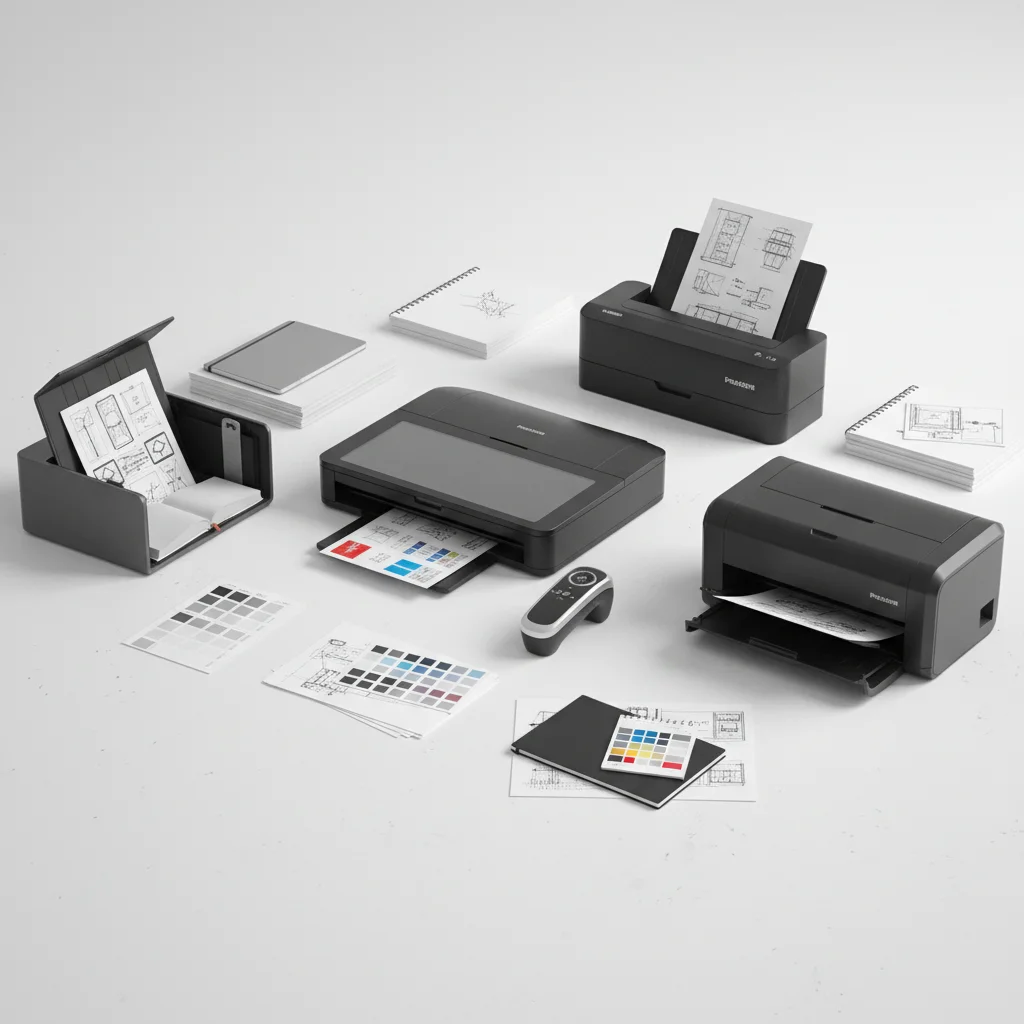
Graphic designers often handle a variety of physical documents, from sketches and mood boards to client contracts and reference images, making a reliable document scanner an indispensable tool. The right scanner can significantly streamline workflows, ensuring high-quality digital reproductions of physical assets. For graphic designers, key considerations include color accuracy, resolution, and the ability to handle various media types without damage. This guide will explore the top 5 document scanners that meet the unique demands of the graphic design profession.
Why Graphic Designers Need Specialized Document Scanners
Standard office scanners might suffice for basic document digitization, but graphic design work requires a higher level of precision and fidelity. Designers need scanners that can capture intricate details, maintain true-to-life colors, and handle delicate materials without distortion. Features like high optical resolution, advanced color calibration, and versatile media handling are crucial for preserving the integrity of original artwork and documents.
Furthermore, the ability to quickly and efficiently scan batches of items, or even single large format pieces, can save valuable time. Integration with design software and cloud services also plays a role in creating a seamless digital workflow, allowing designers to move from physical to digital assets with minimal friction.
Key Features to Look For
When selecting a document scanner for graphic design, several features stand out as essential. High optical resolution, typically 600 dpi or higher, ensures that fine lines and textures are captured accurately. Color depth is another critical factor, with 24-bit or 48-bit color providing a wider range of tones and more accurate color reproduction. The scanner’s ability to handle different paper sizes and thicknesses, including photos, cardstock, and even delicate sketches, is also paramount.
Additionally, look for scanners with image enhancement features such as automatic de-skewing, color restoration, and dust removal. These tools can significantly reduce post-processing time in design software. Connectivity options, including USB 3.0 and Wi-Fi, offer flexibility in how the scanner integrates into your workspace.
- High Optical Resolution (600 dpi+)
- Excellent Color Depth (24-bit or 48-bit)
- Versatile Media Handling (various sizes and thicknesses)
- Image Enhancement Features (de-skew, color restoration)
- Fast Scanning Speeds
Top Picks for Graphic Designers
|
Our Picks for the Best Document Scanner in 2026
As an Amazon Associate I earn from qualifying purchases.
|
||
| Num | Product | Action |
|---|---|---|
| 1 | Doxie Pro DX400 - Duplex Document Scanner and Receipt Scanner For Home and Office With Amazing Software for Mac and PC |

|
| 2 | ScanSnap iX2500 Wireless or USB High-Speed Cloud Enabled Document, Photo & Receipt Scanner with Large 5" Touchscreen and 100 Page Auto Document Feeder for Mac or PC, Black |
|
| 3 | Brother DS-640 Compact Mobile Document Scanner, (Model: DS640) 1.5"x2"x11.9" |
|
| 4 | ScanSnap iX1300 Compact Wireless or USB Double-Sided Color Document, Photo & Receipt Scanner with Auto Document Feeder and Manual Feeder for Mac or PC, White |
|
| 5 | Canon imageFORMULA R10 - Portable Document Scanner, USB Powered, Duplex Scanning, Document Feeder, Easy Setup, Convenient, Perfect for Mobile Users |
|
| 6 | ScanSnap iX1300 Compact Wireless or USB Double-Sided Color Document, Photo & Receipt Scanner with Auto Document Feeder and Manual Feeder for Mac or PC, Black |
|
| 7 | Epson WorkForce ES-50 Portable Sheet-Fed Document Scanner for PC and Mac |
|
| 8 | ScanSnap iX2500 Wireless or USB High-Speed Cloud Enabled Document, Photo & Receipt Scanner with Large 5" Touchscreen and 100 Page Auto Document Feeder for Mac or PC, White |
|
| 9 | Canon imageFORMULA R40 Office Document Scanner Receipt Edition, for PC and Mac, Scan & Extract Data to QuickBooks Online, Color Duplex Scanning, Auto Document Feeder, Easy Setup for Office Or Home Use |
|
| 10 | Epson Workforce ES-C220 Compact Desktop Document Scanner with 2-Sided Scanning and Auto Feeder (ADF) for PC as Well as Mac |
|
Based on extensive research and user feedback, several models consistently perform well for graphic design applications. These scanners offer a balance of high-quality output, robust features, and user-friendly interfaces. For instance, the Epson Perfection V600 Photo Scanner is a popular choice for its exceptional resolution and ability to handle film and slides, making it ideal for digitizing older photographic assets. Another strong contender is the Fujitsu ScanSnap iX1600, known for its speed and advanced image processing, perfect for quickly digitizing large volumes of documents and sketches.
Consider your specific workflow and the types of materials you frequently scan. If you primarily work with photographs and film, a dedicated photo scanner might be more appropriate. If you need to digitize a mix of documents, sketches, and smaller physical objects, a versatile flatbed or a hybrid scanner could be the best fit.
Integrating Scanned Assets into Your Workflow
Once your physical assets are digitized, integrating them into your graphic design workflow is the next step. Most modern scanners come with software that allows for direct saving to common file formats like JPEG, TIFF, and PDF, which are easily imported into design applications such as Adobe Photoshop, Illustrator, and InDesign. For optimal quality and flexibility in editing, saving images in a lossless format like TIFF is often recommended.
Many designers also leverage cloud storage solutions to organize and access their scanned files from anywhere. Services like Dropbox, Google Drive, or Adobe Creative Cloud offer seamless integration and collaboration features, ensuring your digital assets are always at your fingertips. Establishing a consistent naming convention and folder structure for your scanned files will further enhance efficiency.
Maintenance and Longevity
To ensure your document scanner continues to perform at its best, regular maintenance is essential. This includes cleaning the scanner glass and rollers to prevent dust and smudges from affecting scan quality. Refer to your scanner’s manual for specific cleaning instructions and recommended cleaning solutions. Avoiding overloading the automatic document feeder (ADF) and using appropriate settings for different media types can also extend the life of your scanner. Investing in a quality scanner is a long-term decision, and proper care will ensure it remains a valuable tool in your graphic design arsenal for years to come.
Get our weekly buyer guide
Practical specs, not advice. Unsubscribe anytime.
