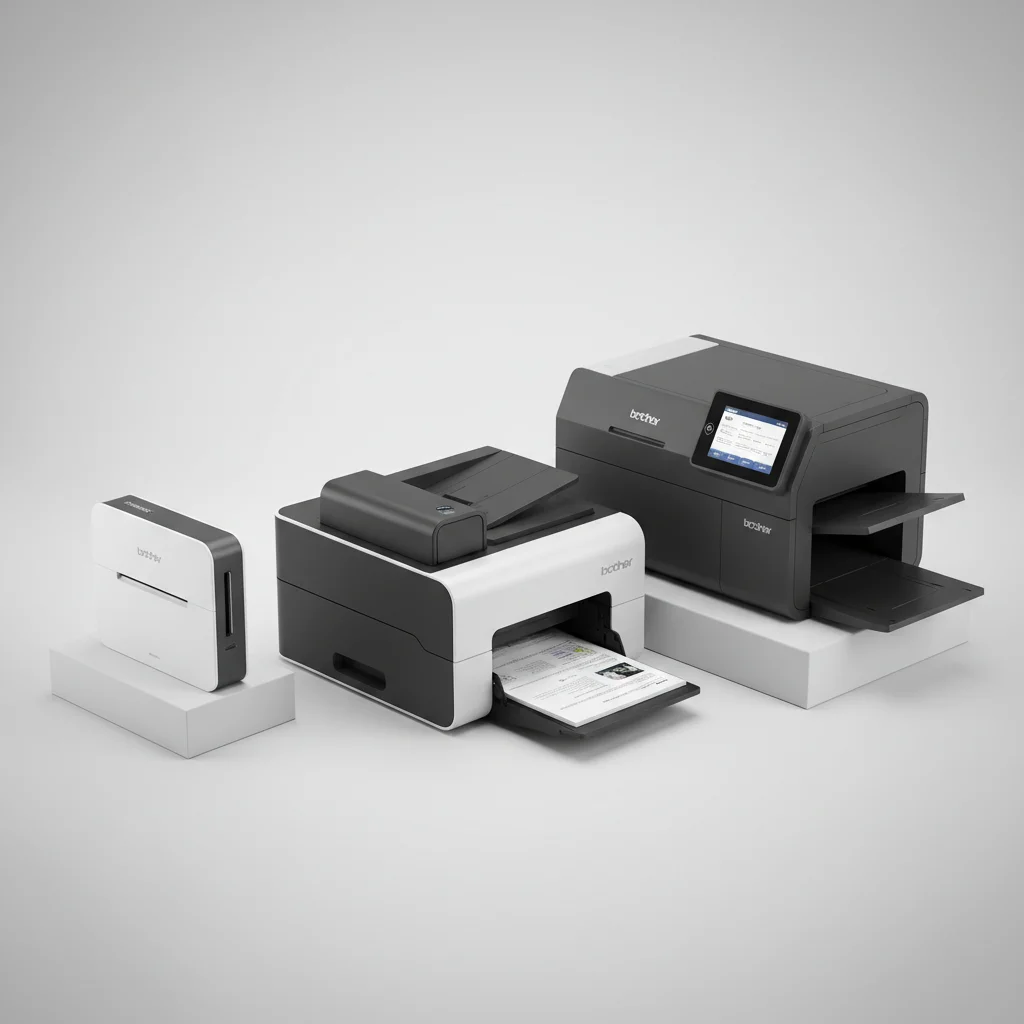
Best Brother Document Scanner for Remote Project Managers
The Brother ADS-2200 is the best Brother document scanner for remote project managers, offering a robust combination of speed, reliability, and essential features for efficient document management from any location. It scans at 35 pages per minute (ppm) with a 50-sheet automatic document feeder (ADF), making it ideal for digitizing extensive project files quickly.
Quick comparison
| Model | Scanning Speed (ppm) | ADF Capacity | Connectivity | Key Feature for RMs |
|---|---|---|---|---|
| Brother ADS-2200 | 35 | 50 sheets | USB 3.0 | High-speed, reliable scanning |
| Brother ADS-1700W | 25 | 20 sheets | USB, Wi-Fi | Compact, wireless flexibility |
| Brother DSmobile DS-640 | 15 | 1 sheet | USB | Ultra-portable, on-the-go |
What Remote Project Managers Need from a Document Scanner
Remote project managers require a document scanner that prioritizes efficiency, reliability, and seamless integration into a distributed workflow. High scanning speed is crucial for processing large batches of project documents, contracts, and invoices quickly, minimizing downtime. An automatic document feeder (ADF) with a substantial capacity is essential to handle multi-page documents without constant manual intervention. Connectivity options, particularly Wi-Fi, enable flexible placement and direct scanning to cloud services like Dropbox, Google Drive, or SharePoint, which are vital for shared project repositories. Portability is also a significant factor, allowing managers to set up their workspace anywhere, from a home office to a co-working space or even a client site. The scanner must produce high-quality, searchable PDFs to ensure all team members can easily access and utilize digitized information. Durability and ease of use are also important, as remote managers often need to troubleshoot issues independently without immediate IT support.
Detailed Reviews
Brother ADS-2200
The Brother ADS-2200 is a high-performance desktop scanner designed for demanding remote work environments. It boasts an impressive scanning speed of up to 35 pages per minute (ppm) for both single and double-sided documents, making it ideal for digitizing extensive project files quickly. Its 50-sheet automatic document feeder (ADF) handles various document types, from business cards to legal-sized papers, ensuring versatility. The ADS-2200 connects via USB 3.0, providing fast data transfer to your computer. While it lacks wireless connectivity, its robust build and reliable performance make it a workhorse for a dedicated home office setup. It supports scanning to multiple destinations, including file, image, OCR, email, and USB host, offering flexibility in document management. The scanner produces high-quality images with resolutions up to 1200 dpi interpolated, ensuring clear and readable digital copies of all project-critical documents.
Brother ADS-1700W
The Brother ADS-1700W is a compact and versatile scanner, perfect for remote project managers who need both performance and portability. Its small footprint allows it to fit comfortably in any workspace, and its built-in Wi-Fi connectivity offers unparalleled flexibility, enabling scanning directly to cloud services, mobile devices, or network folders without a PC connection. It scans at a respectable speed of up to 25 ppm and features a 20-sheet ADF, suitable for daily scanning tasks and smaller batches of documents. The 2.8-inch color touchscreen simplifies navigation and allows for one-touch scanning to pre-configured destinations. This model supports a wide range of document types, including plastic cards, making it useful for digitizing IDs or membership cards. Its ability to scan directly to popular cloud platforms like Dropbox, Google Drive, and Evernote streamlines document sharing and collaboration for remote teams.
Brother DSmobile DS-640
The Brother DSmobile DS-640 is an ultra-portable scanner designed for remote project managers who are frequently on the go. This lightweight, compact device fits easily into a laptop bag, making it ideal for scanning documents at client sites, co-working spaces, or while traveling. It is powered directly via a USB connection to a laptop or computer, eliminating the need for an external power adapter. The DS-640 scans at a speed of up to 15 ppm and handles single sheets at a time, making it suitable for quick digitizing of receipts, contracts, or small batches of documents. Despite its small size, it produces high-quality scans up to 1200 dpi interpolated. Its simplicity and plug-and-play functionality ensure that remote managers can quickly capture important information wherever they are, without complex setup or software installations. It’s an excellent choice for immediate, on-the-spot document capture.
Routine Fit
Integrating a Brother document scanner into a remote project manager’s routine significantly enhances productivity and organization. For daily tasks, a scanner like the ADS-2200 can quickly digitize incoming mail, vendor invoices, and signed contracts, ensuring all critical documents are immediately accessible in a shared cloud drive. This eliminates physical paper clutter and reduces the risk of lost information. During project kick-offs or reviews, physical meeting notes or whiteboard sessions can be scanned and shared instantly with the team, fostering real-time collaboration. For managers who travel, the portable DS-640 allows for on-the-spot scanning of receipts, business cards, or client agreements, preventing a backlog of physical documents upon return. The ability to create searchable PDFs means that project managers can quickly find specific information within large document sets, saving valuable time. Overall, a Brother scanner streamlines the flow of information, making remote project management more efficient and less reliant on physical paperwork.
FAQs
What is the most important feature for a remote project manager in a document scanner?
The most important feature for a remote project manager in a document scanner is reliable cloud connectivity and high scanning speed. Cloud integration allows for immediate sharing and access to digitized documents from anywhere, which is crucial for distributed teams. High speed ensures that large volumes of project documents, contracts, and reports can be processed efficiently, minimizing time spent on administrative tasks and maximizing focus on project execution. An automatic document feeder (ADF) with a good capacity is also vital for handling multi-page documents without constant manual intervention, further boosting productivity.
Can Brother scanners scan directly to cloud services?
Yes, many Brother document scanners, particularly models with Wi-Fi connectivity like the Brother ADS-1700W, can scan directly to popular cloud services. These services often include Dropbox, Google Drive, OneDrive, Evernote, and SharePoint. This feature is incredibly beneficial for remote project managers as it streamlines the process of sharing documents with team members, clients, and stakeholders, ensuring everyone has access to the latest versions of project files without manual uploads or email attachments. It enhances collaboration and document management efficiency.
Are Brother portable scanners suitable for daily use?
Brother portable scanners, such as the DSmobile DS-640, are excellent for occasional, on-the-go scanning and for digitizing small batches of documents. They are designed for convenience and portability, making them ideal for capturing receipts, business cards, or single-page contracts while traveling or at client sites. However, for high-volume daily scanning tasks involving multi-page documents, a desktop scanner with an automatic document feeder (ADF) and higher scanning speeds, like the Brother ADS-2200, would be more suitable and efficient for a remote project manager’s primary workspace.
What is the difference between simplex and duplex scanning?
Simplex scanning refers to scanning only one side of a document at a time. To scan both sides, you would need to manually flip the document and scan it again. Duplex scanning, on the other hand, automatically scans both sides of a document in a single pass. For remote project managers dealing with contracts, reports, and other multi-page documents that are often printed double-sided, a scanner with duplex scanning capabilities is highly advantageous. It significantly saves time and effort, improving overall efficiency in document digitization workflows.
How important is OCR (Optical Character Recognition) for remote project managers?
OCR (Optical Character Recognition) is highly important for remote project managers. This technology converts scanned images of text into machine-readable text, allowing you to search, edit, and copy content from your digitized documents. For project managers, this means being able to quickly find specific keywords or phrases within contracts, meeting minutes, or technical specifications without manually sifting through pages. It changes static images into dynamic, usable data, greatly enhancing document accessibility, organization, and the ability to extract critical information efficiently for project planning and execution.
Verdict
For remote project managers, the Brother ADS-2200 stands out as the best overall document scanner, balancing high-speed performance with robust reliability for a dedicated home office. Its 35 ppm duplex scanning and 50-sheet ADF efficiently handle large document volumes. For those prioritizing portability and wireless flexibility, the Brother ADS-1700W offers compact design and direct cloud scanning. Ultimately, selecting the right Brother scanner depends on the specific demands of your remote workflow, but each model provides essential tools for effective document management, ensuring project success from any location.
Frequently Asked Questions
What is the most important feature for a remote project manager in a document scanner?
The most important feature for a remote project manager in a document scanner is reliable cloud connectivity and high scanning speed. Cloud integration allows for immediate sharing and access to digitized documents from anywhere, which is crucial for distributed teams. High speed ensures that large volumes of project documents, contracts, and reports can be processed efficiently, minimizing time spent on administrative tasks.
Can Brother scanners scan directly to cloud services?
Yes, many Brother document scanners, particularly models with Wi-Fi connectivity like the Brother ADS-1700W, can scan directly to popular cloud services. These services often include Dropbox, Google Drive, OneDrive, Evernote, and SharePoint. This feature is incredibly beneficial for remote project managers as it streamlines document sharing and collaboration.
Are Brother portable scanners suitable for daily use?
Brother portable scanners, such as the DSmobile DS-640, are excellent for occasional, on-the-go scanning and for digitizing small batches of documents. However, for high-volume daily scanning tasks involving multi-page documents, a desktop scanner with an automatic document feeder (ADF) and higher scanning speeds, like the Brother ADS-2200, would be more suitable and efficient for a remote project manager's primary workspace.
What is the difference between simplex and duplex scanning?
Simplex scanning refers to scanning only one side of a document at a time. Duplex scanning, on the other hand, automatically scans both sides of a document in a single pass. For remote project managers dealing with contracts, reports, and other multi-page documents that are often printed double-sided, a scanner with duplex scanning capabilities is highly advantageous, saving significant time and effort.
How important is OCR (Optical Character Recognition) for remote project managers?
OCR (Optical Character Recognition) is highly important for remote project managers. This technology converts scanned images of text into machine-readable text, allowing you to search, edit, and copy content from your digitized documents. For project managers, this means being able to quickly find specific keywords or phrases within contracts, meeting minutes, or technical specifications without manually sifting through pages.
Get our weekly buyer guide
Practical specs, not advice. Unsubscribe anytime.
I needed a scanner that could handle a high volume of documents without a hitch, and the Brother ADS-2200 delivered. The USB 3.0 connectivity ensures fast data transfer, which is crucial when you’re dealing with large image files. It’s been incredibly reliable and has streamlined my workflow significantly. No complaints here!
The Brother ADS-1700W is pretty good for its size, and the Wi-Fi connectivity is a plus for my home office setup. However, the 20-sheet ADF capacity can be a bit limiting when I have larger reports to scan. It’s fine for daily use, but I sometimes wish I’d gone for something with a bigger feeder for those bigger jobs.
As someone who travels a lot for work, the Brother DSmobile DS-640 has been a lifesaver. Its ultra-portable design means I can scan important receipts and contracts right from my hotel room. The 15 ppm speed is decent for a portable unit, and it’s super easy to just plug into my laptop. Great for on-the-go scanning needs.
I’ve been using the Brother ADS-2200 for my remote project management work, and it’s been a game-changer. The 35 ppm scanning speed is no joke; I can get through stacks of old project files in no time. The 50-sheet ADF is also super helpful for batch scanning. Definitely recommend it for anyone needing to digitize a lot of documents quickly.